1On the job
Answer a few questions.
What you did, where the job was, and a few photos.
For HVAC companies on WordPress
Add photos and a few notes, and CaseFol.io writes a page on your WordPress site with the town and the system you put in. Homeowners can see a job like theirs before they call.
14-day free trial. Card required. Money-back guarantee on your first payment.
Example
Every kind of install you do
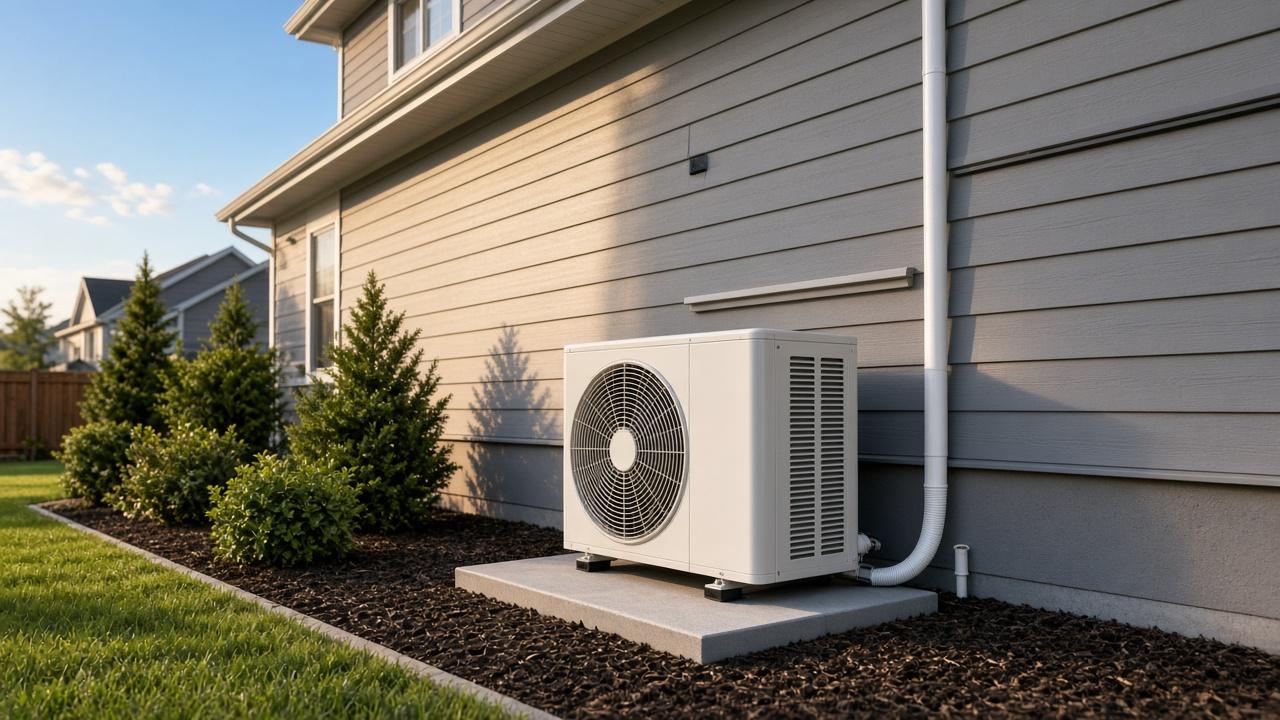
One install per page: what went in, where it went, and the house it went into. So a homeowner thinking about a heat pump can see one you did.


Before and after
A lot of HVAC sites have a photo gallery of units. It looks fine, but a homeowner can't tell where the install was or what you put in. A job page tells them.
Example You check the install details before you publish.
What an HVAC job page covers
A homeowner pricing a new system wants to know what you put in, what it replaced, and whether you've done it in a house like theirs. A job page shows them.
Heat pump, AC, furnace, mini split, or boiler. Give each install its own page so it shows up by itself.
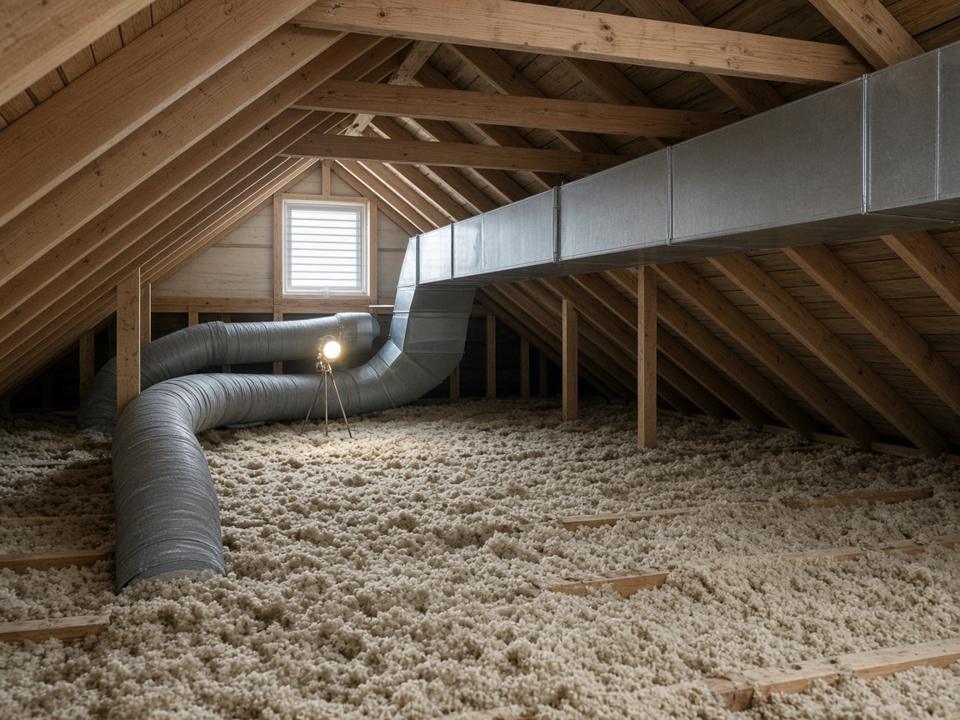
Homes in one town are often built alike, with the same basements and attics. Name the town or neighborhood, never the street address.
The 20-year-old AC, the oil boiler, the window units in an older home with no ducts.
The brand, the size, and the efficiency rating, if you want to list them.
A two-story with a hot upstairs, a finished attic, a home with no ductwork. The house makes each page different.
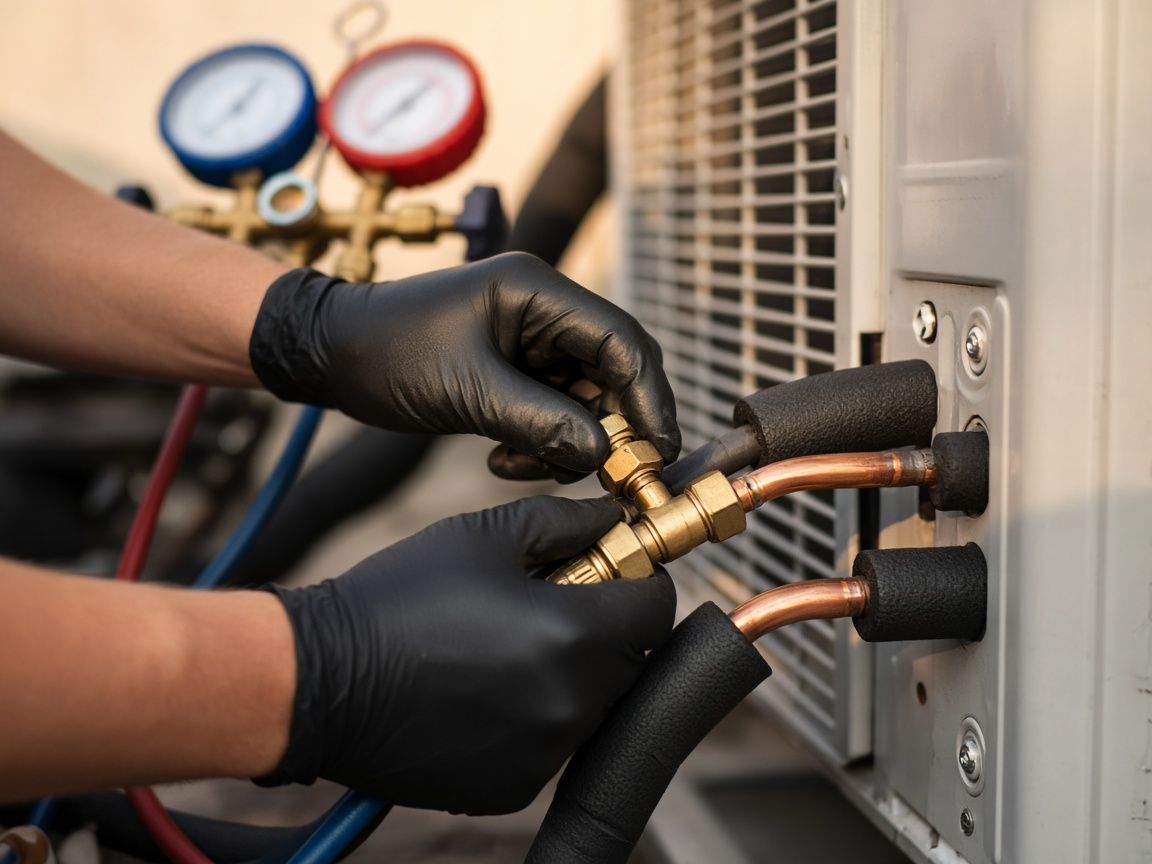
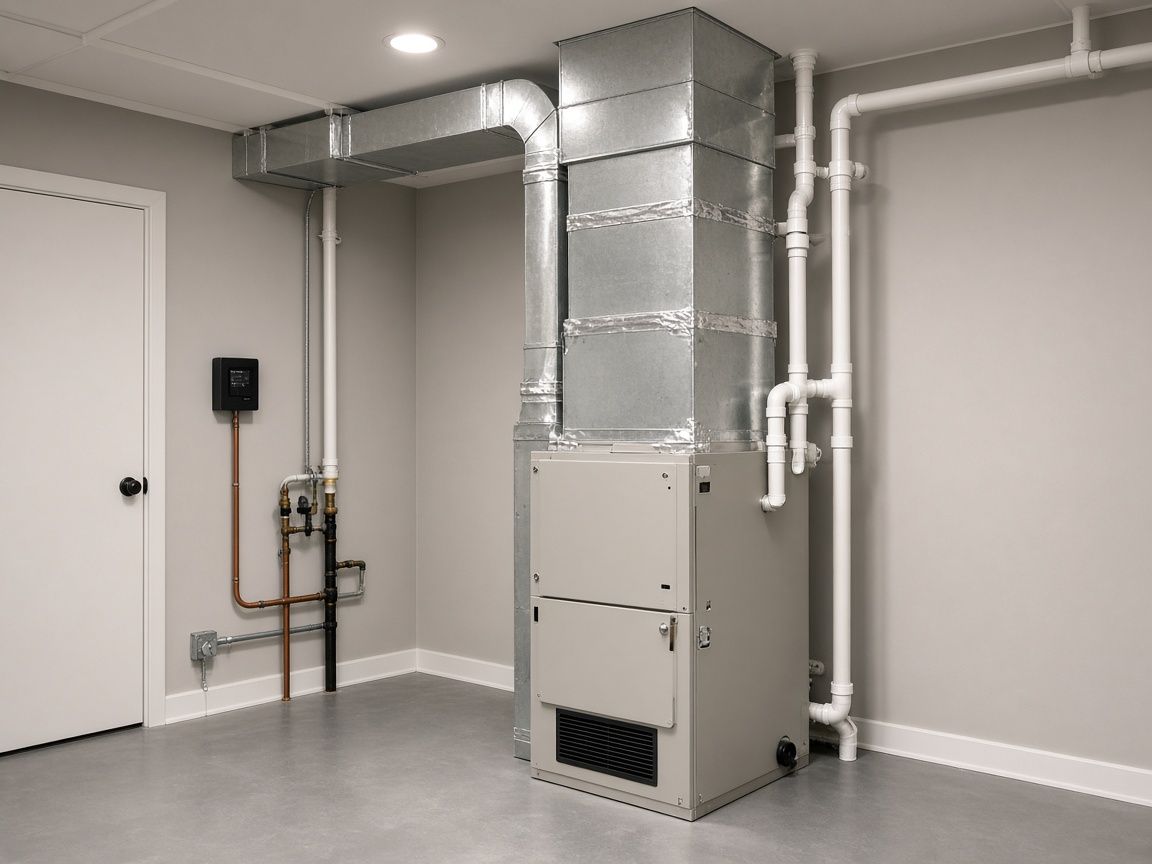
The old unit, the new one in place, the line set or ductwork, and the thermostat.
Phrases you can track
Examples only. Heat pump and AC searches climb with the weather, so pick the systems and towns you care about. Rank tracking shows your spot. It doesn't promise one.
How it works
Your techs take photos on the job. You add a few notes. CaseFol.io does the writing.
What you did, where the job was, and a few photos.
You read it over and edit anything you want.
No job page goes live until you publish it. When you do, it lands on your own WordPress site, at its own web address, and shows up on your project map.
01
Add photos and a few notes about the work, the town, and the kind of install it was. CaseFol.io writes the page.
02
Each page gets its own address on your WordPress site, built around the work and the town it was in. Published pages show up on your project map.
03
You can track keywords like “heat pump installation in [town].” Professional and Enterprise also include Google reviews.
Here's what it looks like for a builder
Premier is a CaseFol.io customer. They're a timber frame builder, not an HVAC company.


Real photos from Premier Timber Frame Builders job pages.
180+
Jobs on the map
One of our customers, Premier Timber Frame Builders, has 180+ jobs on a map on their own site. Every pin is a real job with its own page.
See their project map14-day free trial. Card required. Money-back guarantee on your first payment.
Showing monthly prices. Billed every month.
$399 a month
Start free trial14 days free, then $399 a month until you cancel. Card required. Cancel before the 14 days end and you pay nothing.
$149 a month
Start free trial14 days free, then $149 a month until you cancel. Card required. Cancel before the 14 days end and you pay nothing.
$90 a month
Start free trial14 days free, then $90 a month until you cancel. Card required. Cancel before the 14 days end and you pay nothing.
Yes. You add photos and a few notes. CaseFol.io writes the page, and you read it over before it goes live. You install the WordPress plugin once. Enterprise yearly plans include WordPress setup help.
Pages work best for installs people shop around for, like system swaps, heat pumps, and mini splits. A tune-up usually isn't something a homeowner searches for by town.
The town, the home, and the job itself make each page different. Write down what was different about the job: the old system, the space, and what you put in. Read each page before you publish it, and fix anything that's off.
The old equipment, the new unit in place, the line set or ductwork, and the thermostat. Take them before you pack up the truck.
Say what you installed, like the size and the rating on the label. Don't promise savings on the page. Savings depend on the house and how it's used. Before you publish, read the page and cut any line about savings.
Yes. Each job page is about one job, so a rooftop unit swap gets its own page, just like a home install.
If you know them, yes. Shoppers compare sizes and ratings across quotes. Copy them from the label or the paperwork so they're right.
Yes, and those pages stand out. Older homes with radiators or window units are a common search. Show the rooms you heated or cooled and where the indoor heads went.
We can't promise calls or rankings, and we won't. Every system you put in gets a page tied to its town, and those pages fill in your project map over time. Watch phrases like “heat pump installation in [town]” with rank tracking.
Setup and billing
Yes. CaseFol.io publishes each job page to your own WordPress site.
CaseFol.io only publishes to WordPress sites. It doesn't publish to Wix, Squarespace, or other site builders. Not sure what your site runs on? Ask us during a demo.
Yes. Add them when you create the page. We don't pull them in from other apps automatically.
The day your trial ends. A card is required to start. We charge it automatically on the day the 14 days end, then every month or year until you cancel. You'll see the price and the charge date before you enter your card.
Email [email protected] before the charge date. Once you have an account, you can also cancel from the “Manage or cancel subscription” link in your account. If you cancel during your trial, you pay nothing.
Money-back guarantee on your first payment. Email [email protected] within 14 days of your first paid charge and we'll refund that charge in full. The free trial doesn't count toward the 14 days.
15 minutes
14-day free trial. Card required. Money-back guarantee on your first payment.
To cancel or ask for a refund, email [email protected].
HVAC photos on this page are illustrations, not customer jobs.